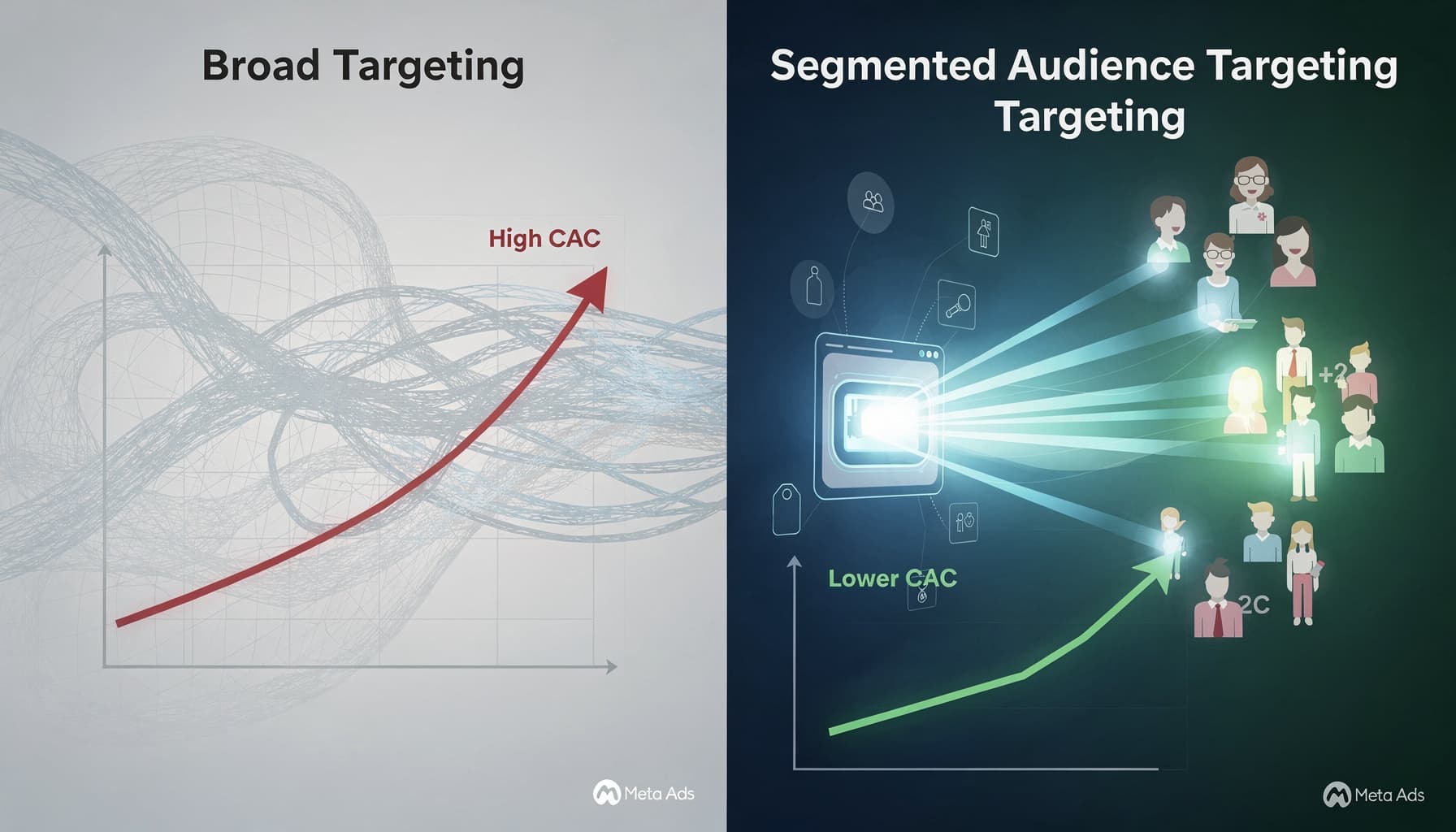
Meta CAPI Setup for Shopify: Complete Guide for Indian D2C Brands

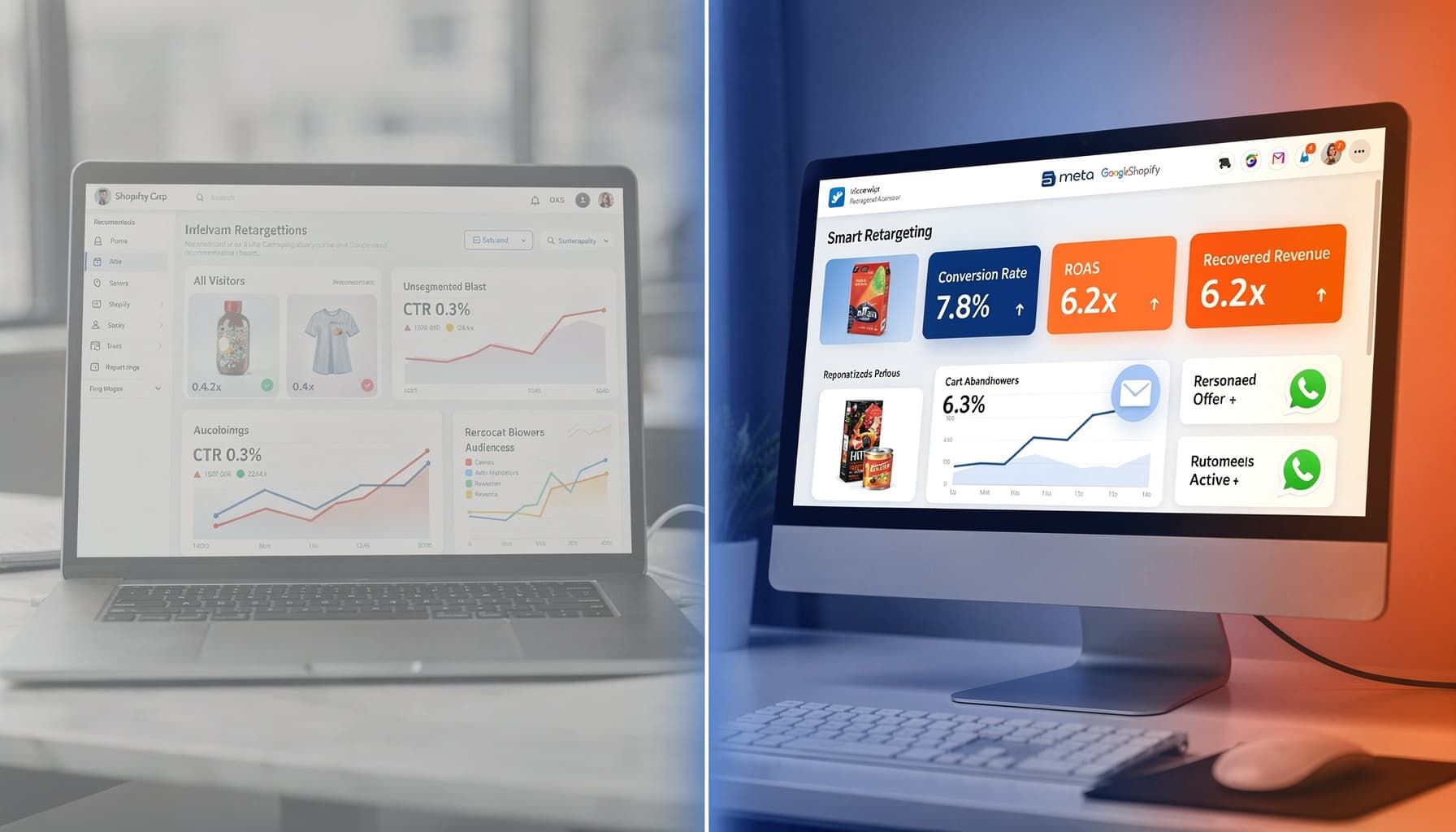
If your Meta campaigns optimise on incomplete purchase data, you are scaling blind. For Indian D2C brands on Shopify, Meta Conversions API (CAPI) is not optional — it is the difference between a dashboard ROAS and bank-account profit.
Standard pixel tracking alone misses 20-40% of purchase events due to iOS14 privacy changes, ad blockers, and browser restrictions. CAPI sends conversion data server-side, directly from your Shopify store to Meta.
Why CAPI Matters for D2C Brands in India
Indian D2C checkout behaviour adds complexity:
- COD orders need purchase events fired at order confirmation, not just payment capture.
- UPI and wallet payments often complete in-app, bypassing browser pixel fires.
- Mobile-first traffic from Instagram Reels has higher pixel drop-off rates than desktop.
Without CAPI, Meta's algorithm optimises on a partial view of purchases. Campaigns look profitable on the dashboard while contribution margin tells a different story.
Need hands-on help? See how Peak Pilots runs our Meta ads process for Indian D2C brands on Shopify.
What You Need Before Setup
- Meta Business Manager with admin access to your ad account.
- Shopify store with Meta pixel installed (baseline, not sufficient alone).
- Server-side connector — Shopify's native Meta channel, Conversions API Gateway, or a third-party tool like Stape, Elevar, or Littledata.
- GA4 configured in parallel for cross-platform attribution.
Step-by-Step CAPI Setup for Shopify
Step 1: Generate Your CAPI Access Token
In Meta Events Manager, select your pixel, go to Settings, and generate a Conversions API access token. Store it securely — treat it like a password.
Step 2: Choose Your Integration Method
Option A: Shopify + Meta native integration — simplest for most D2C brands. Enable server-side events in the Meta sales channel settings.
Option B: Conversions API Gateway — Meta-hosted, low maintenance, good for brands without dev resources.
Option C: Custom server-side setup — maximum control, requires developer time. Best for high-volume brands with complex funnels.
Step 3: Configure Event Matching
Send these parameters with every purchase event for maximum match quality:
- Email (hashed)
- Phone number (hashed)
- First name, last name (hashed)
- Client IP address
- User agent
- Facebook click ID (fbc) and browser ID (fbp) from cookies
Higher event match quality means Meta can attribute more purchases to the correct ad, improving optimisation.
Step 4: Set Up Deduplication
When running pixel and CAPI together, deduplicate events using matching event_id values. Without deduplication, Meta counts purchases twice and your data becomes unreliable.
Step 5: Verify in Events Manager
Use Meta's Test Events tool to confirm Purchase, AddToCart, and InitiateCheckout events are firing server-side. Check Event Match Quality score — aim for "Good" or above.
Common CAPI Mistakes Indian D2C Brands Make
- Launching CAPI after scaling spend — fix tracking before increasing budget.
- Pixel-only optimisation — running Advantage+ campaigns without server-side data.
- Ignoring COD purchase events — firing Purchase only on prepaid orders, missing 40-60% of Indian D2C volume.
- No GA4 parallel setup — relying on Meta alone for cross-channel attribution.